I’ve posted previously about the difficulties with using OS Discoverer maps at high zoom levels, because of the pixellation that occurs beyond a certain zoom level. If this bothers you, but you don’t want to use open StreetMap maps (OSM), the City Navigator maps may be just what you’re looking for. Its vector based graphics scale cleanly, and the dataset includes all roads, whereas free OSM maps may be incomplete. It is fully routable of course, and includes a massive point of interest (POI) list, which is searchable by category etc. Having used both the Garmin GB Discoverer and the City Navigator on a number of rides, I now tend to prefer City Navigator when I’m following a predetermined route, say for example a Sunday Club run where somebody has posted the gpx file in advance. If I decide to just go off exploring on roads I’m not familiar with, however, I prefer the OS Discoverer map, as it includes a richer overview to give you a greater, more holistic understanding of the area.
Garmin Maps Comparison
Here are some screenshots of the City Navigator map (left column) against the Discoverer map (right column). Make your own mind up!
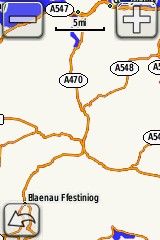
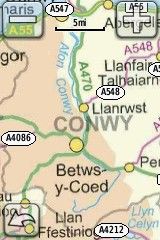

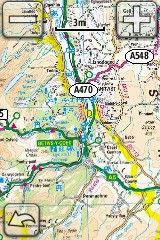
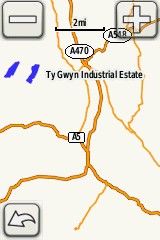
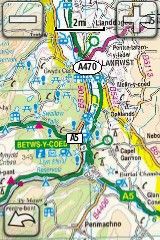
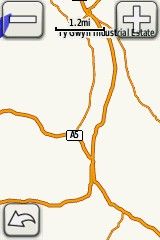
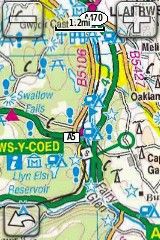


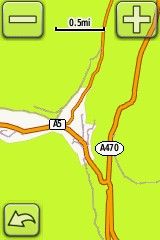
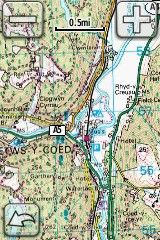
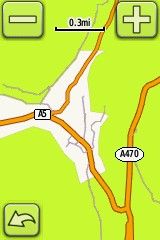
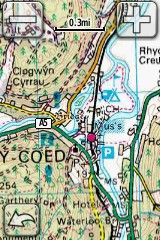
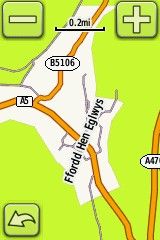
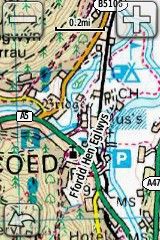
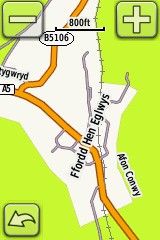
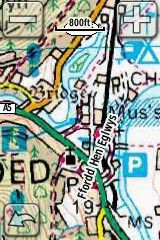

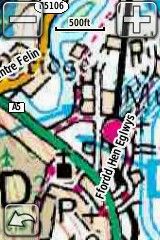

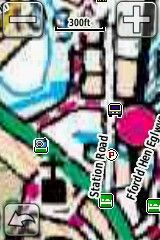
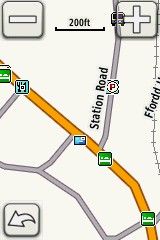
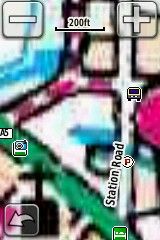
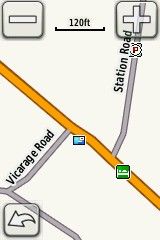

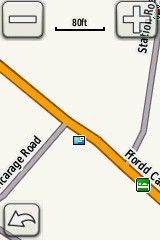

All Garmin maps comparison screenshots taken on a Garmin edge 800.
Here’s my previous post comparing a free OSM map with the Discoverer Map, and another post detailing the zoom levels of the Discoverer map.
Best Prices on Garmin maps
Free OSM maps are getting better and better, but depending on where you live, you just can’t beat the quality of the commercial products.
Search for City Navigator maps on AmazonIf you need the full City Navigator map, here’s some live price data – check the region before you buy!

thanks for the post on maps and pointing out pixellation on OS maps
I have both maps on the Garmin 800. I find the City Navigator (I have Europe) better for Road riding with the club or out training. However the Discoverer is better for MTB’ing especially where there are areas of nothing except contour lines. (Navigator would give you a blank area). An example was Great Windsor Park which is not that remote! On my road bike I had to guess as to which road to follow on the City Navigator. Having Europe is very useful for trips to France.
Given the small screen of the Garmin I would say don’t expect too much on the move from the Discoverer. Very hard to read on the fly and I find better when you’ve stopped. Much as you would do with a map but without the bulk of an A2. Discoverer is also very expensive on it’s own as an “after-purchase” better to buy this as a bundle if you’re a MTB rider.
Completely agree with you there. I use navigator most of the time for road riding and would use Discoverer for off road. I do also like to use Discoverer if I’m feeling adventurous and ending up getting “lost”.
Hi – I just downloaded a firmware upgrade and now my garmin edge 800 will not recognise my sd card and appears to have lost my OSM maps. Amy ideas? I have rest to factory defaults but the SD card is still not visible at all.
Any help greatly appreciated
Good article thanks. I think the 4 pairs of images at the bottom may be the wrong way round however.
Hi Andy, good call – I’ve fixed the images! Thanks for pointing it out ;-)